FreshBooks Software Review for 2025

FreshBooks in 2026: A Hands-On Look at What’s Changed and What Hasn’t

If you’ve spent any time researching accounting software for small businesses, you’ve probably stumbled across FreshBooks. It’s been around since 2003 — practically ancient in SaaS years — and it has built a reputation as one of the more approachable options for people who didn’t go to school for accounting. But a lot has happened since the early days. Competitors have caught up, pricing has shifted, and the expectations of freelancers and small business owners have evolved.

I’ve been digging into the current version of FreshBooks to see where it stands in 2026. Is it still the go-to for freelancers who just want to send an invoice and get paid? Has it grown into something more useful for teams and larger small businesses? And honestly, is it worth what they’re charging these days? Let’s break it all down.

What FreshBooks Actually Does

At its core, FreshBooks is cloud-based accounting and invoicing software. It handles the stuff that most small business owners dread: creating and sending invoices, tracking expenses, managing projects, running financial reports, and keeping the books in order enough that tax season doesn’t feel like a root canal.

The platform is designed specifically for service-based businesses. That’s an important distinction. If you’re selling physical products and need robust inventory management, FreshBooks isn’t really built for that. But if you’re a freelance graphic designer, a small marketing agency, a consultant, a plumber, an attorney, or pretty much anyone who bills for their time and expertise, FreshBooks is squarely aimed at you.

As of 2026, FreshBooks reports serving over 30 million users across 160 countries. That’s not nothing. The company, officially 2ndSite Inc. and headquartered in Toronto, has been steadily adding features and refining the experience over the years. The question is whether those additions are meaningful or just window dressing.

Invoicing: Still the Bread and Butter

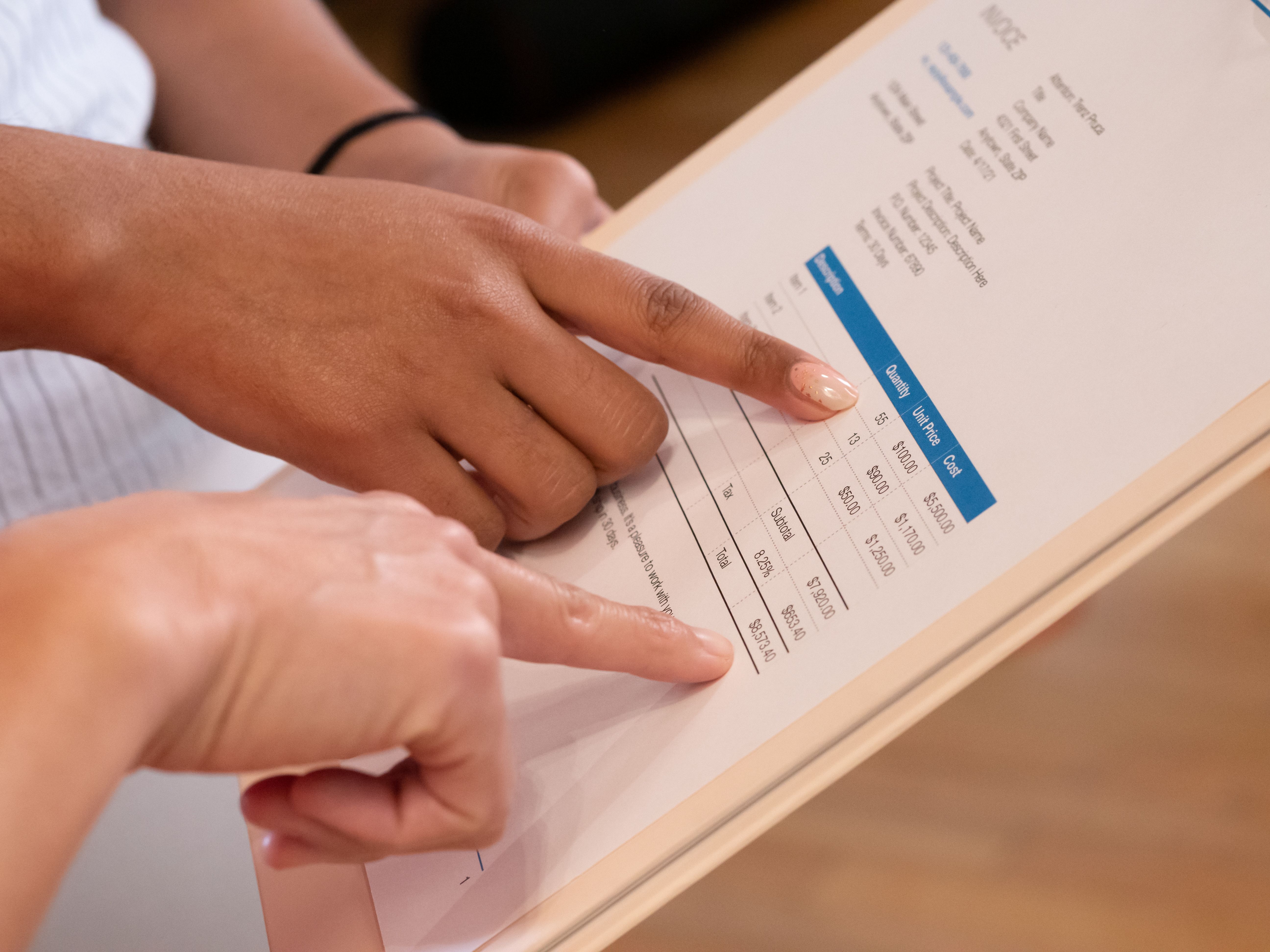
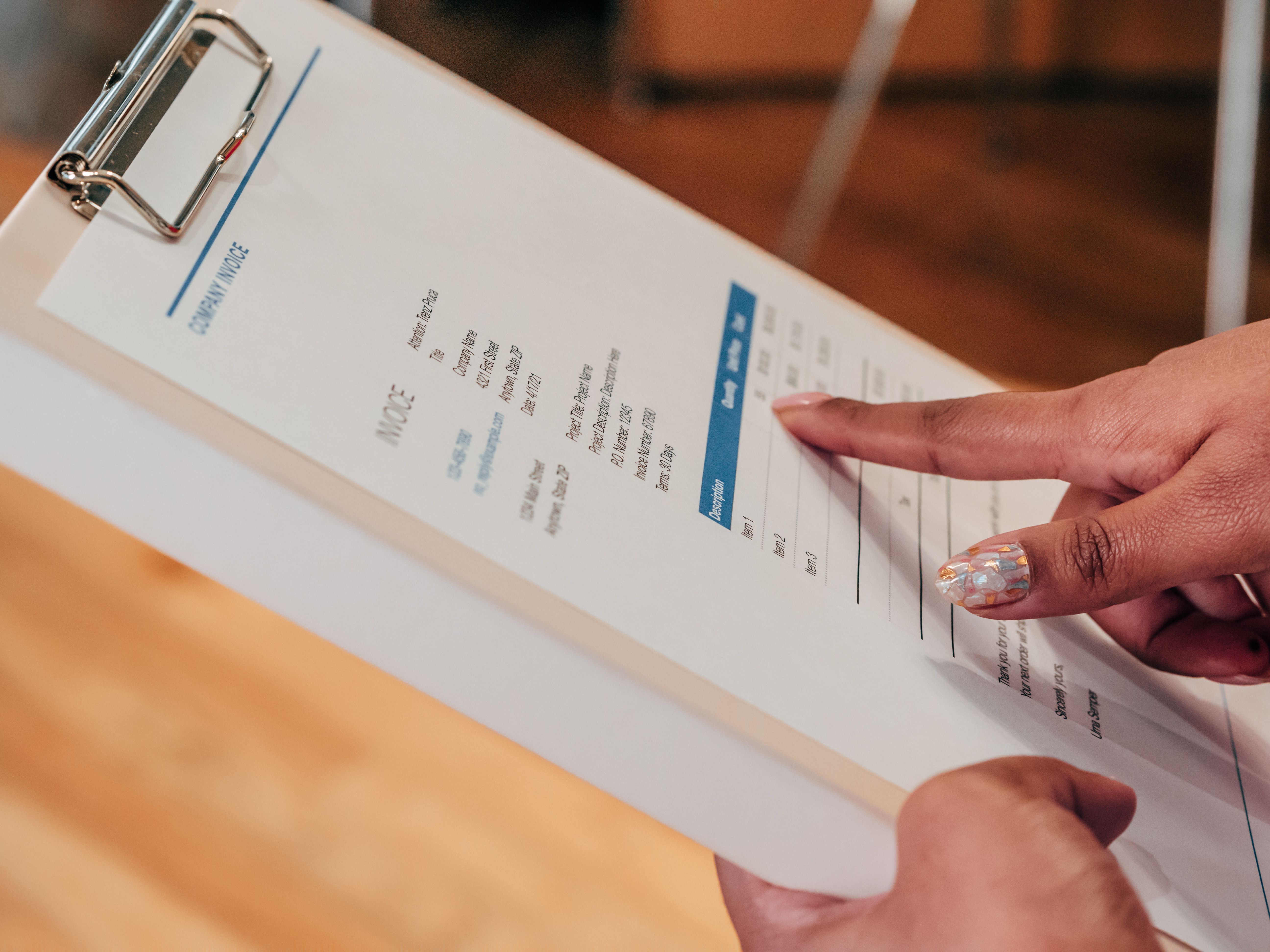
Let’s start with what FreshBooks does best. Invoicing has always been the platform’s strong suit, and that hasn’t changed. You can create professional-looking invoices in a few minutes, customize them with your logo and brand colors, and send them off via email. Clients can pay directly from the invoice using a credit card or ACH bank transfer.

What’s genuinely useful is the automation layer. FreshBooks lets you set up recurring invoices for retainers or ongoing contracts, schedule automatic payment reminders when invoices go unpaid, and even charge a client’s card on file for subscription-type arrangements. Late payments are a huge headache for small businesses — the automated nudging alone can justify the subscription cost if you deal with clients who need a little… encouragement.

The invoicing side also supports multi-currency transactions (handy if you work with international clients), deposit requests on larger projects, and automatic tax calculations. You can attach tracked time and expenses directly to an invoice, so you’re not manually piecing together a billable hours spreadsheet and an expense log every month.

One thing I appreciate: there are no hidden payment processing fees baked into the platform itself. You’ll still pay standard Stripe or payment processor rates, but FreshBooks doesn’t tack on their own surcharge for the convenience.

Expense Tracking That Doesn’t Make You Want to Throw Your Laptop

Expense management is where a lot of small business accounting tools either shine or fall flat. FreshBooks handles it reasonably well. You can connect your bank account or credit card, and transactions flow in automatically. No more manual entry for every coffee run or software subscription.

The receipt scanning feature has improved over the years. Snap a photo of a receipt with your phone, and FreshBooks will extract the relevant data — vendor, amount, date — and match it to the right category. It’s not perfect. Handwritten receipts and crumpled paper still confuse it sometimes. But for standard printed receipts from restaurants, office supply stores, and gas stations, it works more often than not.

Automatic categorization is another time-saver. FreshBooks learns your spending patterns over time and starts suggesting categories for new transactions. You can also set up rules — “anything from Amazon goes to office supplies” — to cut down on manual sorting. Tax-friendly expense categories are built in, which makes year-end reporting less painful.

Time Tracking Built In, Not Bolted On

If you bill by the hour, time tracking matters. FreshBooks has a built-in timer that you can start and stop directly from the app. The logged time can be dropped onto an invoice with a couple of clicks. It’s simple, but it works.

For teams, there’s group time tracking with the ability to assign hours to specific clients and projects. Team members can add detailed notes to their time entries, which is helpful when you need to explain to a client why a particular task took three hours instead of one.

FreshBooks also integrates with popular project management tools — Asana, Trello, Basecamp, Teamwork — so if your team is already logging time in one of those platforms, the data can feed into FreshBooks. There’s a Chrome extension as well for tracking time from your browser without switching apps.

Project Management: Light but Functional

FreshBooks isn’t going to replace dedicated project management software like Monday.com or ClickUp. But it offers enough project organization to be useful for small teams. You can create projects, assign tasks, set deadlines, and track progress from a single dashboard. Team members, contractors, and even clients can be invited into a project with controlled permissions.

The collaboration features include a built-in chat tool and file sharing. It’s basic, but for a freelancer working with a couple of contractors and a client or two, it might be enough to avoid spinning up a separate Slack workspace. The ability to transform estimates into invoices with one click is a small but satisfying workflow shortcut — no retyping data or copy-pasting line items.

Proposals and Estimates

FreshBooks lets you create custom proposals and estimates that clients can approve electronically. Once approved, the estimate can be converted into a project and eventually an invoice. This creates a clean pipeline from pitch to payment without any gaps in documentation. You can track the status of each estimate (sent, viewed, approved, declined), which gives you some visibility into where things stand without having to follow up manually.

Double-Entry Accounting and Reporting

For a long time, FreshBooks was criticized for not being a “real” accounting tool. That changed when they added double-entry accounting, and it’s been refined since. The platform now supports a general ledger, journal entries, and proper revenue and expense matching. This matters if you want accurate profit and loss statements, balance sheets, or if you’re working with an accountant who expects standard accounting principles.

The reporting dashboard provides profit and loss reports, expense breakdowns (color-coded, which is a nice touch), sales tax summaries, accounts aging reports, and more. During tax season, having these reports ready to go can save hours of scrambling. If you work with a CPA, you can grant them access to your FreshBooks account so they can pull what they need without forwarding spreadsheets back and forth.

Accounts Payable

A relatively newer addition is accounts payable management. You can now track bills from vendors, schedule payments, and keep tabs on what you owe. For freelancers, this might be overkill. But for small businesses with multiple vendors, contractors, and recurring bills, having AP alongside AR in one system is genuinely useful. No more juggling a separate spreadsheet for payables.

Mobile App

FreshBooks offers mobile apps for iOS and Android. You can create and send invoices, capture receipt photos, track time, chat with team members, and check on the status of your business from your phone. The mobile experience is solid — not a watered-down version of the desktop app, but a genuinely usable tool for managing your finances on the go. If you’re the type who sends invoices from a coffee shop or logs expenses between meetings, the app handles it well.

Pricing in 2026: What You’ll Actually Pay

Here’s where things get real. FreshBooks has adjusted its pricing over the years, and the current structure looks like this:

  • Lite Plan: $19 per month (or $17/month billed annually). Includes up to 5 billable clients. Covers invoicing, expense tracking, time tracking, and basic reports. Good for solo freelancers just starting out.
  • Plus Plan: $33 per month (or $30/month billed annually). Up to 50 billable clients. Adds unlimited proposals, recurring invoices, double-entry accounting reports, and billable client deposits. This is the sweet spot for most established freelancers and small agencies.
  • Premium Plan: $60 per month (or $55/month billed annually). Up to 500 billable clients. Includes everything in Plus, along with dedicated account management, custom email templates, and advanced reporting. Intended for growing businesses with a larger client base.
  • Select Plan: Custom pricing for businesses with more than 500 billable clients. You’ll need to contact sales.

All plans include customizable invoices, credit card and ACH payment acceptance, free customer support, dashboards, estimates, secure data storage, and project budgets. A 30-day free trial is available for all plans, and you don’t need a credit card to start.

Is it expensive? Compared to some alternatives, yes. QuickBooks Self-Employed comes in cheaper for very simple use cases. Wave is free (though more limited). But FreshBooks justifies the premium with ease of use and a more polished experience. Whether that’s worth it depends on how much you value your time.

Integrations and Ecosystem

FreshBooks integrates with a growing list of third-party tools. The standout integrations include Gusto for payroll processing, Stripe for payment processing, Dropbox for file storage, Shopify for e-commerce, and Zapier for connecting to hundreds of other apps without writing code. If your business relies on a specific tool, it’s worth checking FreshBooks’ integration marketplace before committing.

Same-day bank deposits are available for eligible accounts, which can be a lifeline when cash flow is tight. The integration with Stripe also supports international currency transactions, making it easier to work with clients outside your home country.

Customer Support

FreshBooks has a reputation for solid customer support, and that continues in 2026. Support is available via phone, email, and live chat. The response times are generally fast, and the support staff actually seems to understand the product. There’s also a comprehensive help center with articles, tutorials, and walkthroughs. For a product aimed at people who aren’t accountants, having accessible support matters more than most features.

Who FreshBooks Is Really For

Let me be direct about this. FreshBooks is built for:

  • Freelancers who want to spend less time on admin and more time doing billable work
  • Service-based small businesses (agencies, consultancies, creative firms, trades) that need invoicing, expense tracking, and basic project management in one place
  • Teams of up to maybe 15-20 people who don’t need the complexity of a full ERP system
  • Anyone who has been running their business finances out of a spreadsheet and is finally ready to graduate to something better

FreshBooks is not ideal for product-based businesses that need inventory management, businesses with complex accounting needs (multiple entities, advanced job costing), or anyone looking for a free solution. If you’re running an e-commerce store with hundreds of SKUs, you’ll want to look at QuickBooks Online or a specialized platform instead.

The Competition: How Does It Compare?

The two most common comparisons are QuickBooks Online and Wave. QuickBooks is more powerful on the accounting side — better for businesses that need advanced reporting, inventory tracking, or industry-specific features. But it also has a steeper learning curve and the interface can feel overwhelming for someone who just wants to send an invoice. Wave is free and surprisingly capable for basic invoicing and accounting, but it lacks the polish, the project management features, and the depth of integrations that FreshBooks offers.

Xero is another competitor worth mentioning. It’s strong on the accounting side, handles multi-currency better than most, and has a clean interface. But Xero is more oriented toward traditional accounting workflows and less toward the freelancer who wants to just get paid with minimal friction.

What I’d Like to See Improved

No software is perfect, and FreshBooks has its weak spots. The receipt scanning, while improved, still struggles with certain formats. The reporting is good but not as customizable as what you’d find in QuickBooks. Multi-entity support is still limited — if you run two separate businesses, you’ll need two separate FreshBooks accounts. And while the pricing is reasonable for what you get, the billable client limits on each tier can feel restrictive if your business grows quickly.

The mobile app, while solid, still lacks some of the desktop features. You can’t do everything from your phone that you can do from a browser, which is worth knowing if you’re frequently on the move.

The Bottom Line

FreshBooks in 2026 remains one of the best options for freelancers and service-based small businesses that want straightforward, approachable accounting software. It’s not trying to be everything to everyone, and that’s a strength. The invoicing is excellent, the expense tracking is reliable, the time tracking is built in rather than bolted on as an afterthought, and the project management features are enough for small teams without being overwhelming.

Is it the cheapest option? No. Is it the most powerful accounting tool on the market? Also no. But if you’re a freelancer or small business owner who values a clean interface, responsive support, and software that doesn’t make you feel like you need an accounting degree to navigate — FreshBooks continues to deliver. The 30-day free trial makes it easy to test drive before committing, and there’s no credit card required to start. If you’ve been on the fence, it’s worth giving it a spin.

Leave a Reply

Your email address will not be published. Required fields are marked *